by Oscar Sher
Explore our 4 arrangements of Niturim (Klezmer) Sheet Music by Oscar Sher for Piano, Violin, Flute. Compare 4 arrangements across Easy - Easy to intermediate, preview each version and choose the score that best suits your instrument and playing level.
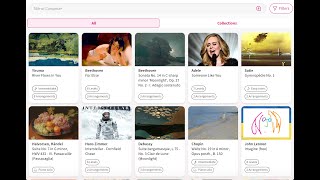
Play Niturim (Klezmer) and over 100,000 other scores with Tomplay Interactive Sheet Music. Follow the score as it scrolls automatically, play along with professional backing tracks, get real-time feedback on the notes you play, adjust the tempo, loop difficult passages, add annotations and print your score — on all your devices. Get free unlimited access for 14 days
All 4 of Niturim (Klezmer), play 100,000 more Interactive Sheet Music Titles - free for 14 days
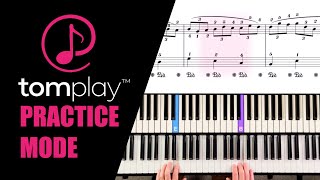
Explore 2 Piano arrangements of Niturim (Klezmer), ranging from Easy to Easy. Niturim (Klezmer) arrangements have right and left hands recorded separately, so you can practise one hand accompanied by the other. An optional visual Piano under the score shows the right notes and fingerings in real time, to help you learn the piece.
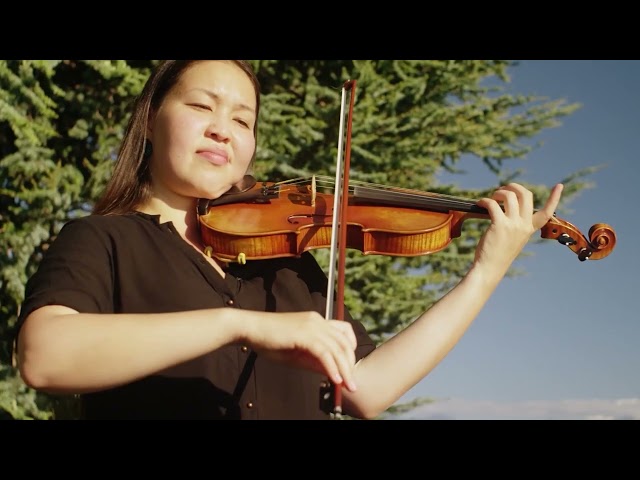
Explore the Violin arrangement of Niturim (Klezmer) at Easy to intermediate level. 1 include fingering annotations. An optional visual Violin under the score shows the right notes and fingerings in real time, to help you learn the piece.
Explore the Flute arrangement of Niturim (Klezmer) at Easy to intermediate level. An optional visual Flute under the score shows the right notes and fingerings in real time, to help you learn the piece.
You can play Niturim (Klezmer) Sheet music on 3 instruments, including Piano, Violin, Flute.
At Tomplay, we have adapted Niturim (Klezmer) Sheet music in 2 levels, from Easy to Easy to intermediate.
Yes, Niturim (Klezmer) Interactive Sheet Music on Tomplay includes a backing track for you to play along with. You can mute your instrument and play along as part of a duet, trio, or quartet, with an orchestra, or with a band.
Tomplay’s Niturim (Klezmer) Interactive Sheet Music includes a range of features to make learning and practising easier. You can adjust the tempo, loop difficult passages, add annotations, record yourself, use the Visual Guide, and benefit from real-time note recognition to get instant feedback as you play.

Automatically scrolls in sync with the music.
Practise each hand separately.
Backing tracks recorded by professional musicians.
Slow down or speed up the music tempo.
Up to 8 levels from beginner to advanced.
Practise specific passages in loops.
Learn step by step with short videos and guided exercises
Record and listen back to your performance.
Visualise the right notes and fingerings in real time.
Learn faster with Tomplay's official fingering.
The score advances only when you play the right note.
Add your own personal annotations.
The app listens to you and turns the pages.
Print up to 48 scores annually (unavailable during trial).
Display the name of every note — perfect for beginners.

 2 Million users




You have reached the maximum number of score downloads allowed during the free trial.
Skip the free trial and start the 1-year subscription now.